How to create a Media Centre using a Raspberry Pi
The Raspberry Pi is a credit card–sized computer that plugs into your TV or display, and a keyboard and mouse. You can use it to learn coding and to build electronics projects, 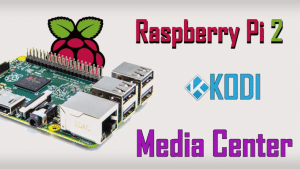 and for many of the things that your desktop PC does, like spreadsheets, word processing, browsing the internet, and playing games.
In this instance, we show how to install OSMC on a Raspberry Pi 2. OSMC comes with Kodi and this is an open source software media center, allowing you to access all kinds of content, including videos and music.
Kodi comes with its own user interface and works with both local and network storage services you’re already using. Be aware, though, that it doesn’t come with content out of the box. There are also some third-party add-ons you can use to enhance your Kodi experience.
We provide IT support to SME Businesses and Home users throughout Surrey, Hampshire and Berkshire. To see how we can help with any of your IT needs, from Sales to Support, please contact us.
Frimley Computing does not condone or recommend the use of Kodi or any add-on to access copyrighted content to which you have no right. We’re not responsible for what you decide to do with the contents of this article. Piracy is not something we support or approve, and we strongly advise users to only access content they are legally entitled to. As a Kodi user, you must take steps to ensure you are not in breach of any copyright law.